




Plan a Walk-In Cooler or Freezer in 3D: 8 Decisions
Plan a walk-in cooler or freezer in 8 decisions, from size to R-25 and R-32 panels, doors and refrigeration, in a free 3D tool that exports a spec sheet.
Our free 3D walk-in configurator lets you plan a walk-in cooler or freezer in eight steps, from size and shape through doors, refrigeration, racks and lights. Send the design and a spec sheet downloads right away, then a rep from World Food Equipment (WFE), an Ontario walk-in installer, calls within one business day. Pricing comes from that call, not the tool.
Key takeaways
- Eight decisions: size and shape, cooler or freezer, panels, floor, doors, refrigeration, racking, then lights and temperature.
- Order matters: each decision limits the next. A freezer forces an insulated floor, and a pallet rack needs aisle space in front of it.
- The rules set a floor: Canada sets minimum insulation for walk-in panels and doors made since 2017, at R-25 for coolers and R-32 for freezers.
- What you get: a spec sheet with a 3D view, a plan view and every choice you made, plus a call from a WFE rep within one business day.
What can you do in the free 3D walk-in design tool?
The configurator runs in the browser on a computer, tablet or phone, with no download and no account. Eight steps run across the top in the order a walk-in gets specified. Three of them (Exterior, Floor and Interior) are optional, because the defaults suit most builds.
- Views: switch between a 3D view and a top-down plan view, with finished walls (Real) or see-through walls (CAD).
- Units: feet and °F, or metres and °C, with one switch.
- Mistakes: undo and redo cover the last 60 changes.
- Save: Save Draft gives you a link that reopens the exact design on any device, with a QR code on a computer and the share sheet on a phone. The browser also remembers your last design for 60 days.
| # | Decision | Configurator step | What you choose | Deep guide |
|---|---|---|---|---|
| 1 | Size and shape | Setup, Shape | Width, depth, height; indoor or outdoor; rectangle, L, T or notch | Restaurant sizing guide |
| 2 | Cooler, freezer or combo | Setup | Cooler, Freezer or Cooler + Freezer | Cooler vs freezer |
| 3 | Panels | Walls, Exterior | 4, 5 or 6 inch panels; insulation grade; finish | Panel R-values |
| 4 | Floor | Floor | Insulated, no floor or reinforced; floor finish | Freezer floors |
| 5 | Doors | Doors | Door type, size, wall, hinge and upgrades | Door types and sizes |
| 6 | Refrigeration | Refrigeration | Self-contained or remote; evaporators | Self-contained vs remote |
| 7 | Racking and shelving | Interior | Restaurant shelving or pallet racking | Industrial freezers |
| 8 | Lights and temperature | Interior, Setup | LED count; the target temperature | Temperature guide |
1. Size and shape: start with the room
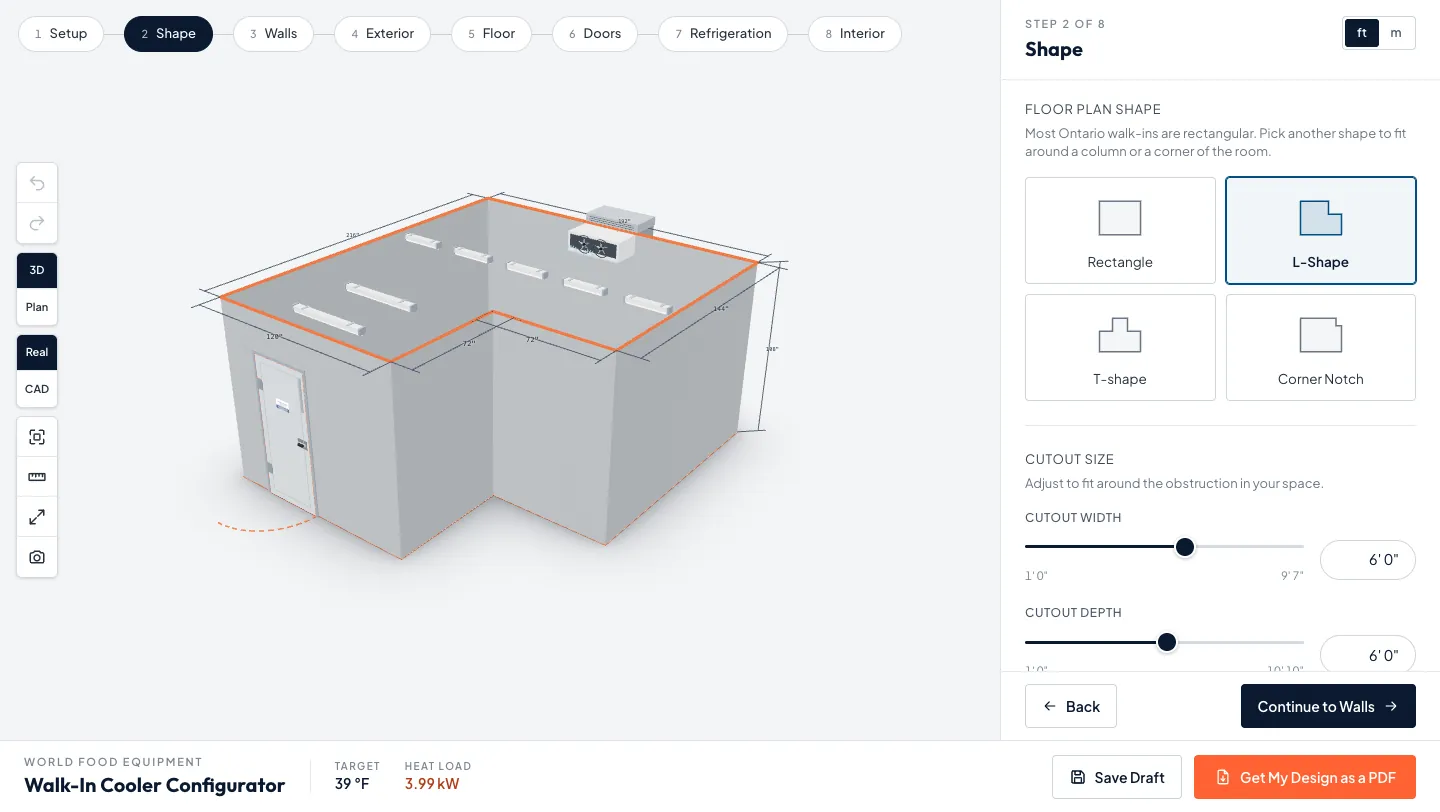
Measure the space the walk-in goes into before you pick anything else. On the Setup step, the width and depth sliders run from 6 to 100 ft and the height from 7 to 24 ft in half-foot steps. If a column or a corner is in the way, the Shape step turns the footprint into an L, a T or a corner notch and lets you size the cutout.
- No single standard size: walk-ins are built from insulated panels, so the box follows your room and your storage, not a catalogue. Final panel sizes are confirmed at quote.
- Indoor or outdoor: the Setup step asks where the walk-in goes. An outdoor box has to deal with sun, snow and freeze-thaw, which our outdoor vs indoor walk-in guide covers.
- Starting numbers: for a restaurant, our restaurant walk-in buyer’s guide turns seat count into a footprint. Use it to set the first numbers, then adjust in the tool.
- Height: a taller box holds more shelving and decides whether pallet racking fits, so set it before you plan the interior.
2. Cooler, freezer or both in one box
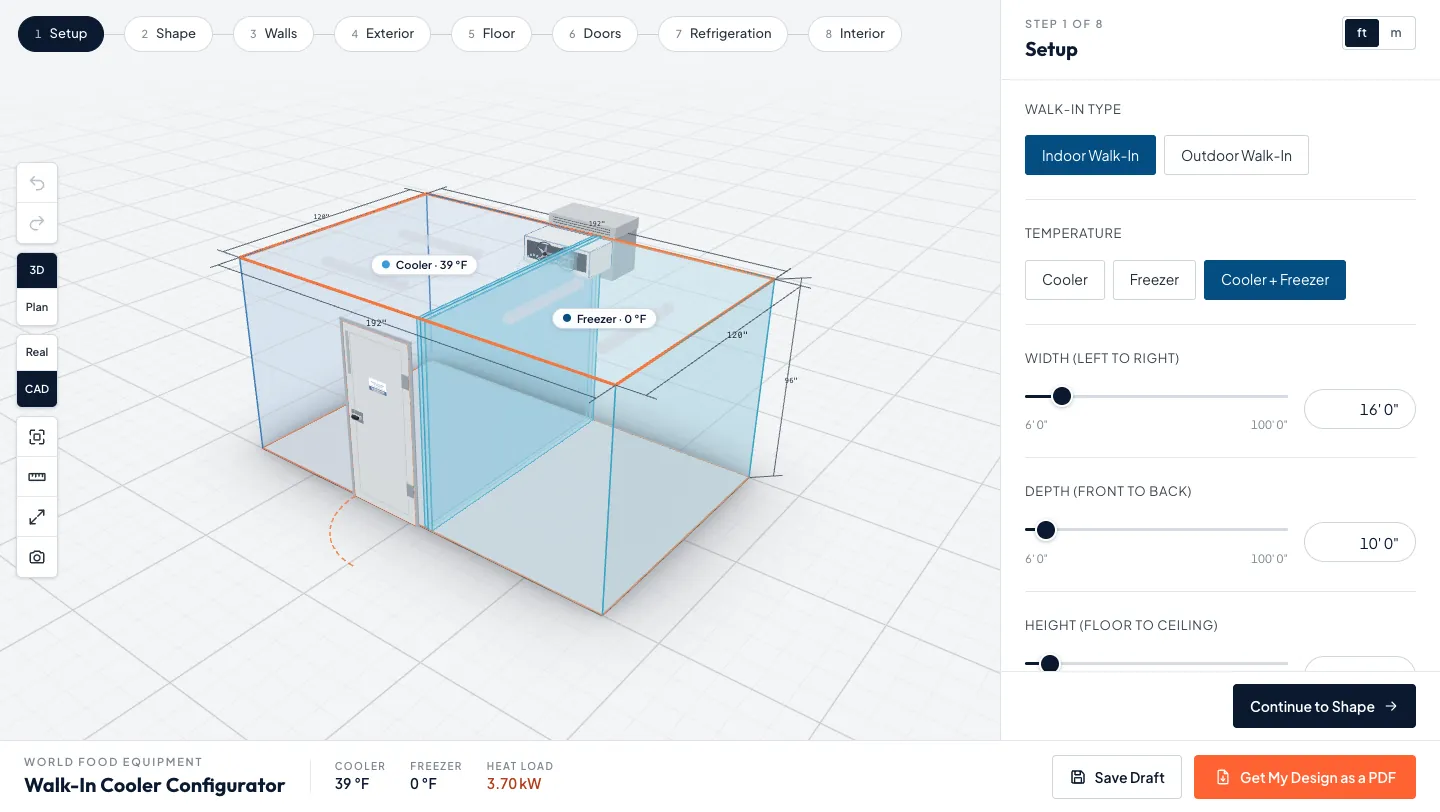
Choose Cooler, Freezer or Cooler + Freezer under Temperature on the Setup step. That one choice sets the target temperature, the insulation grade and, for a freezer, the floor. The combo option splits one box into two rooms with a partition wall and a door between them.
- Cooler: Health Canada’s food storage guidance sets the fridge at 4°C (40°F) or lower, and the tool’s cooler target is 4°C.
- Freezer: the same guidance sets the freezer at minus 18°C (0°F) or lower, which is the tool’s freezer target.
- Combo: each side gets its own temperature, its own evaporators and its own door, and the 3D view labels both zones.
- Not sure which: our walk-in cooler vs walk-in freezer comparison sets out what each one stores and costs to run.
3. Panels: thickness, grade and finish
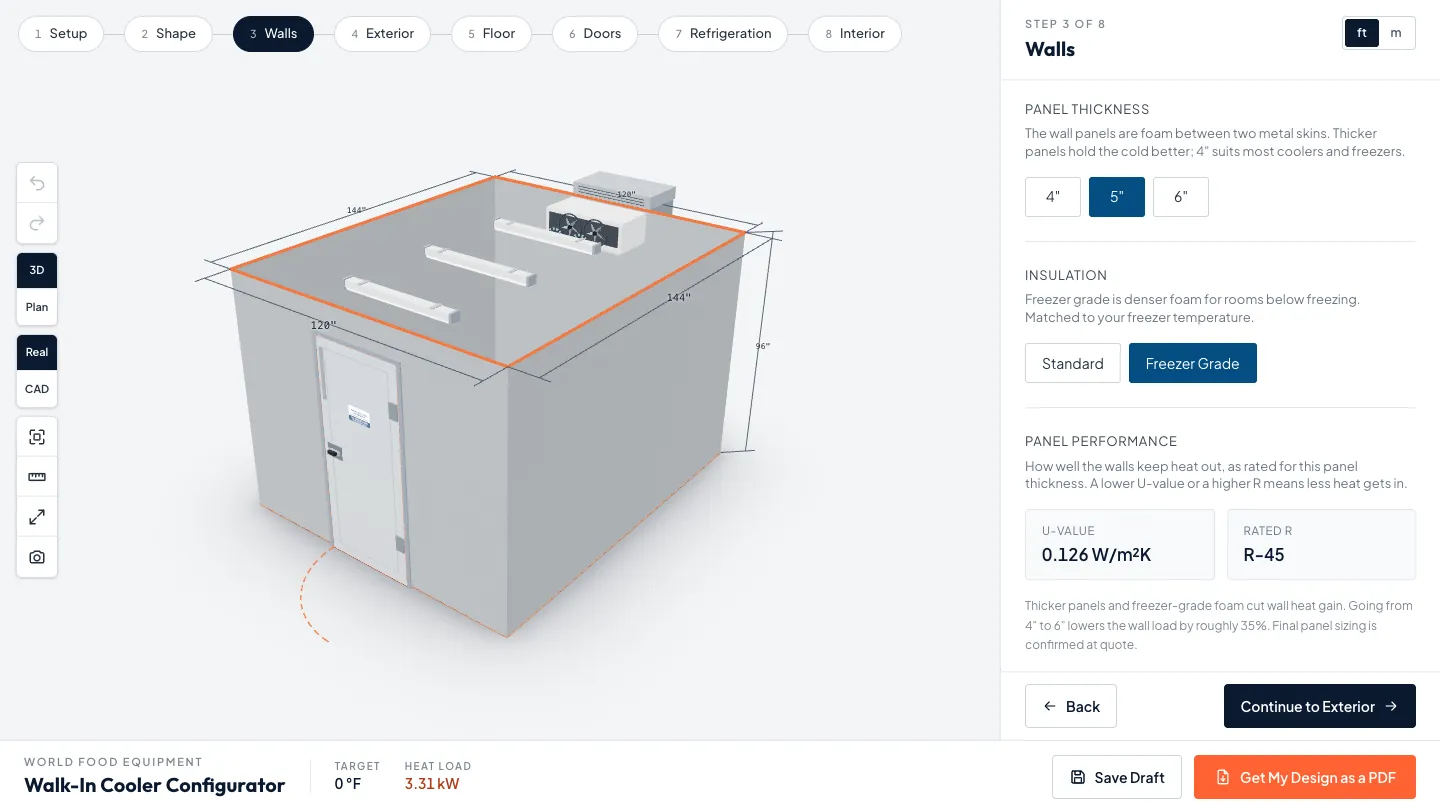
Panels decide how well the box holds its cold. The Walls step offers 4, 5 and 6 inch panels in Standard or Freezer Grade foam, and shows the rated U-value and R-value for each thickness. In Canada, walk-in panels and doors made on or after June 5, 2017 must meet minimum insulation values set by Natural Resources Canada.
- Cooler panels: R-25 (RSI 4.40) at minimum.
- Freezer panels: R-32 (RSI 5.64) for walls and ceilings, and R-28 (RSI 4.93) for freezer floor panels.
- Grade follows the temperature: the tool picks Freezer Grade when you choose a freezer. If you override it, your choice sticks.
- Exterior finish: the optional Exterior step has nine finishes, from stucco aluminum to stainless steel, and a 36 or 48 inch wainscot.
Our walk-in panel and R-value guide explains what the numbers mean and when a thicker panel pays off.
4. Floor: what goes under the walk-in
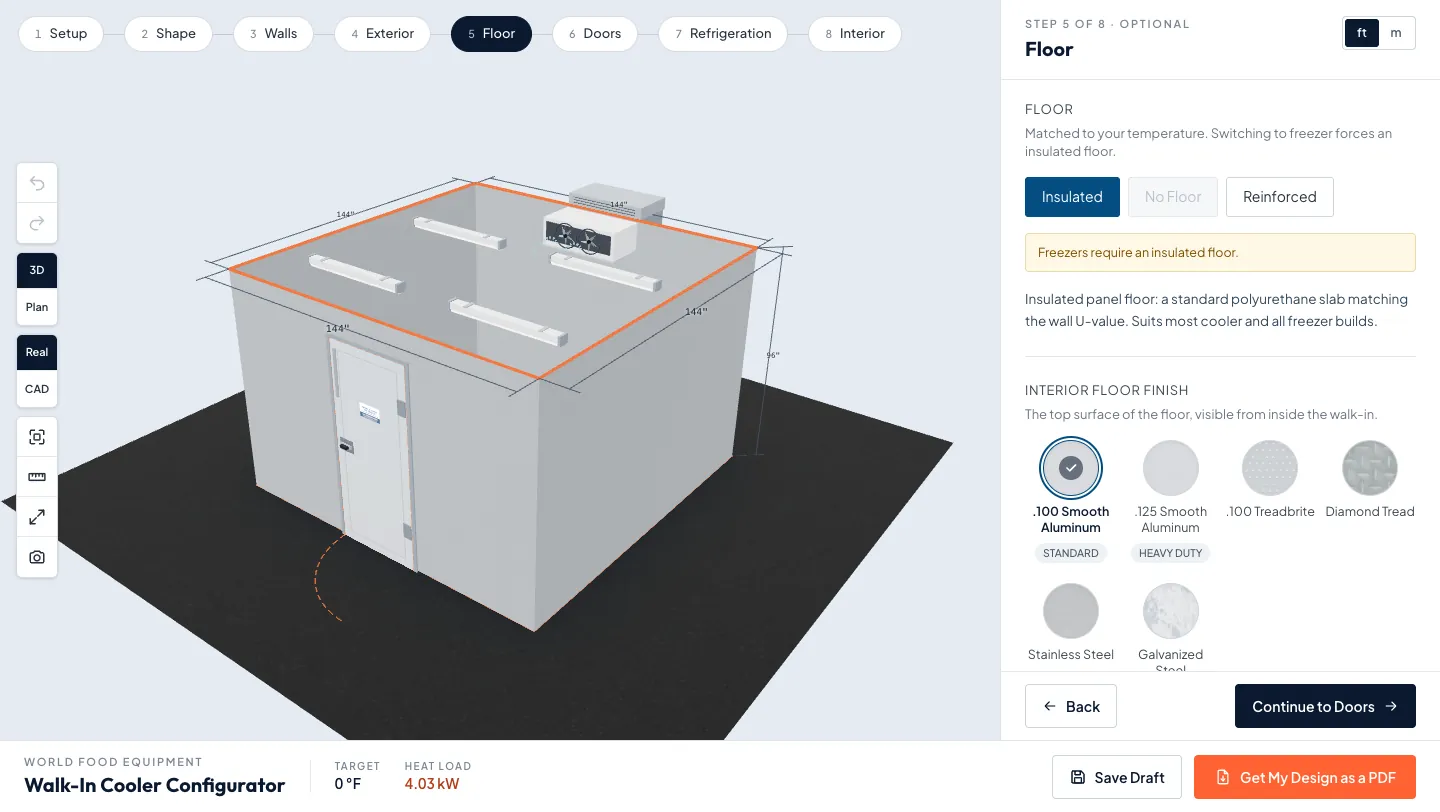
The Floor step has three choices: an insulated panel floor, no floor, or a reinforced floor for heavy traffic. A freezer always gets an insulated floor, and the tool greys out No Floor with the note “Freezers require an insulated floor.” A cooler on a sound slab can sit directly on the concrete, and a reinforced floor suits forklift and pallet traffic.
- Why freezers need it: the ground under a freezer slab can freeze and heave the floor. The National Research Council’s Canadian Building Digest 61 explains the mechanism, and for a room kept below freezing all year it names heat under the floor as the most satisfactory fix.
- Floor finish: six interior finishes, from .100 smooth aluminum to diamond tread and stainless steel.
- Ramps: a ramp is set per door on the Doors step, and it switches off when there is no floor.
The floor section of our commercial walk-in freezer buyer’s guide covers insulated floors in more depth.
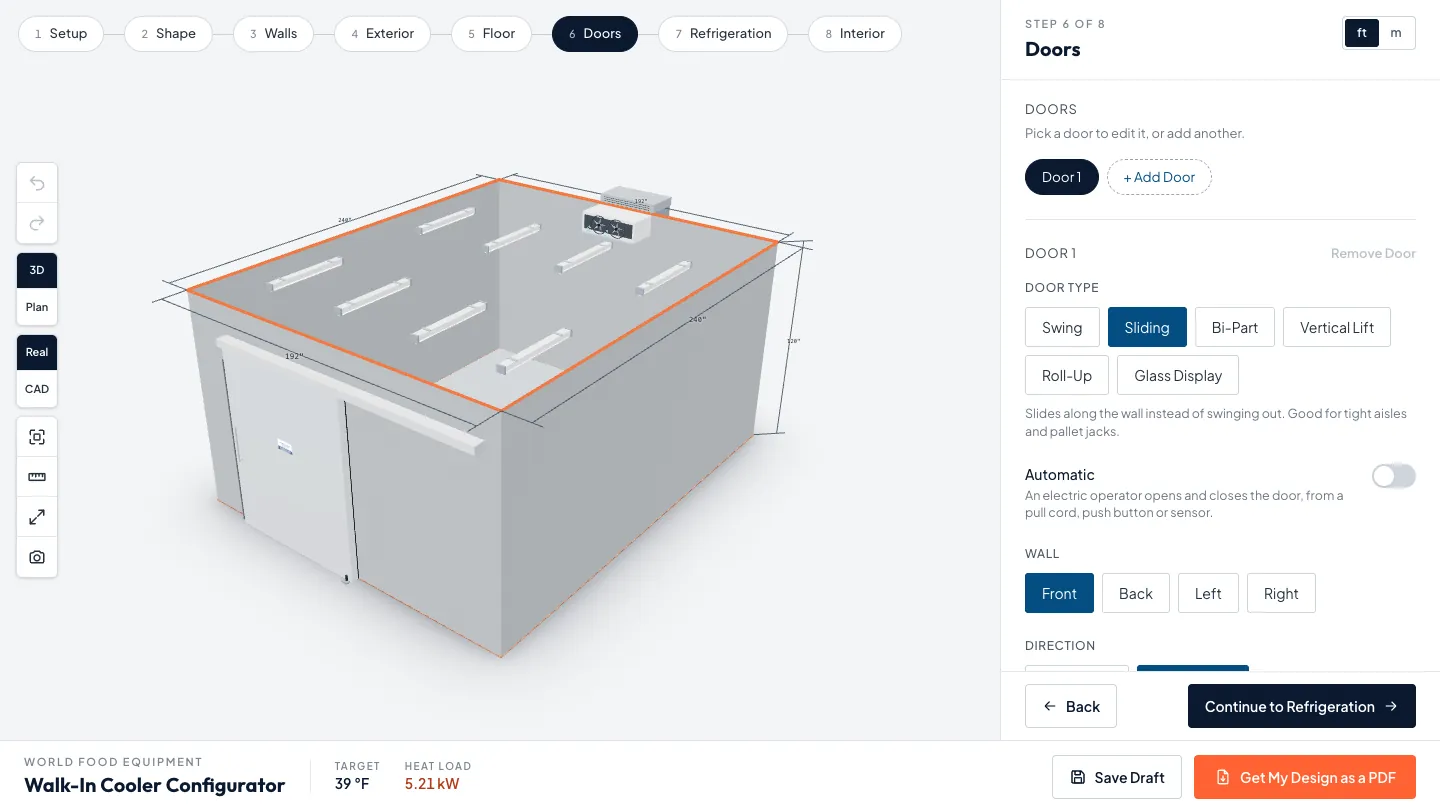
5. Doors: type, size and upgrades
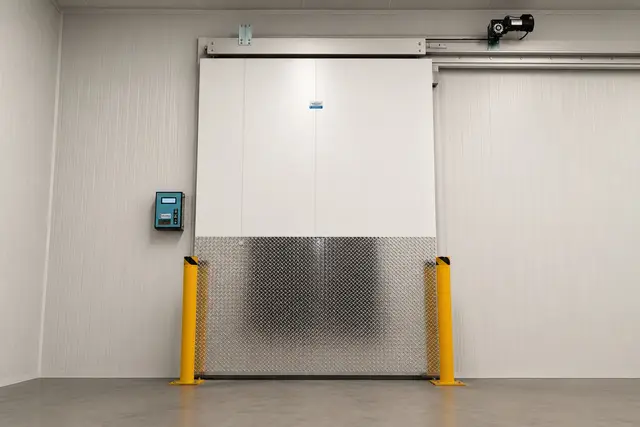
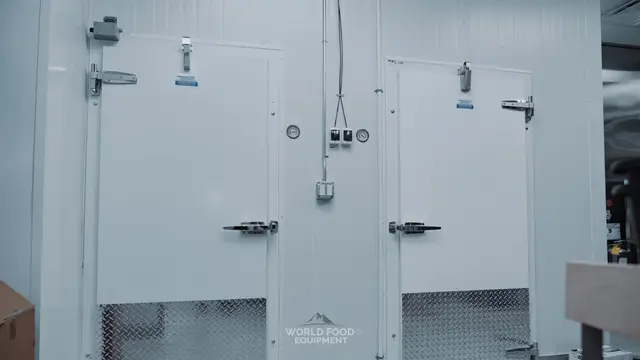
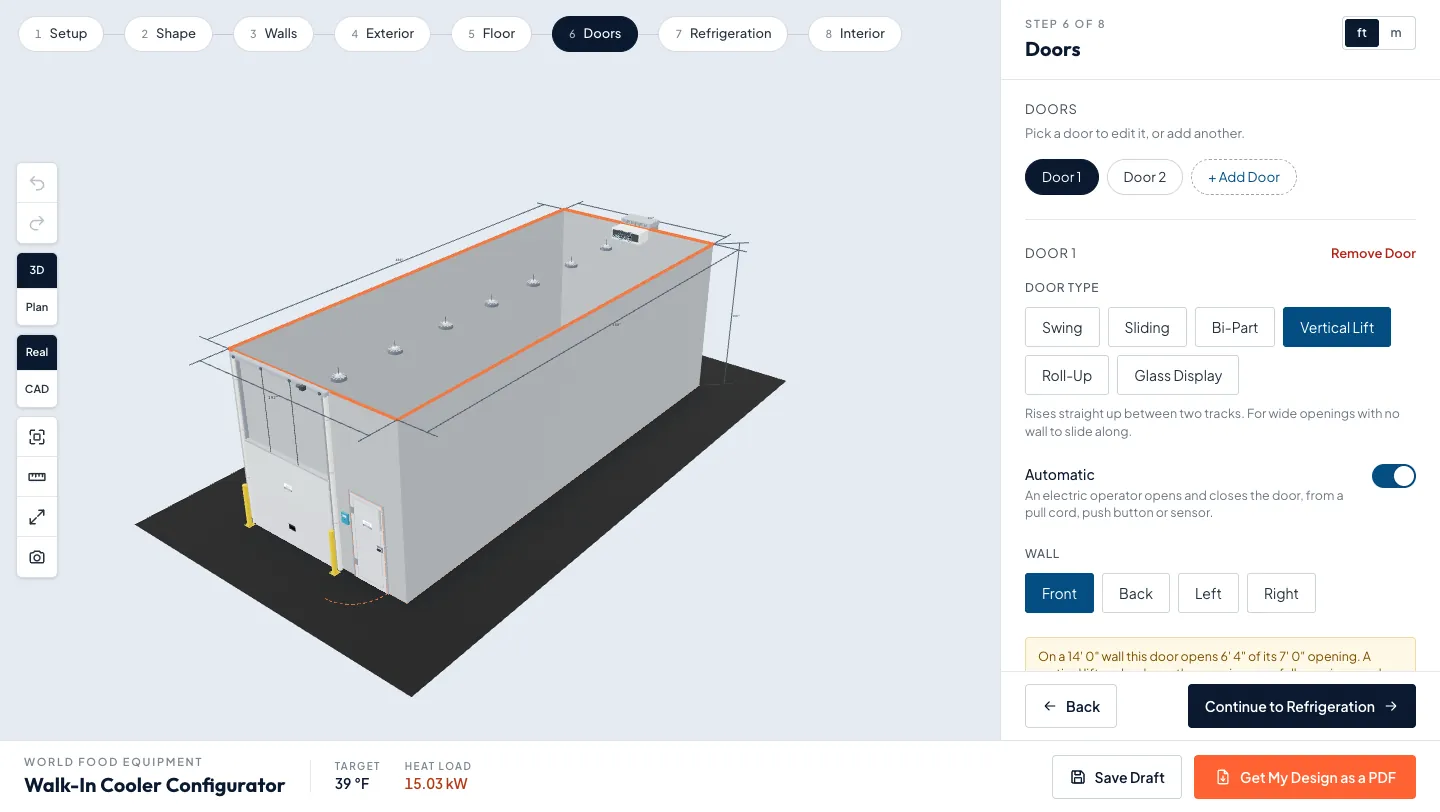
The Doors step offers six door types: swing, sliding, bi-part, vertical lift, roll-up and glass display. You can put any number of doors on any wall, set the hinge side and slide each one along the wall. Sliding, bi-part and vertical lift doors can be automatic.
- Upgrades: viewport window, kickplate, jamb guard, ramp, bollards and a strip curtain. A WFE rep confirms each one at quote.
- Freight doors: Canada’s rules treat a walk-in door of at least 4 ft wide and 8 ft high as a freight door, so measure your widest cart or pallet load before you size one.
- Headroom: a vertical lift door rises into the wall above it, and the tool tells you how much of the opening clears at your wall height.
- Warm air: the US federal walk-in rule requires strip doors, spring-hinged doors or another way to limit infiltration when doors are open, which is what the strip curtain option is for.
Our walk-in door types and sizes guide compares each type, and the walk-in cooler and freezer doors page shows what we install.
6. Refrigeration: self-contained or remote
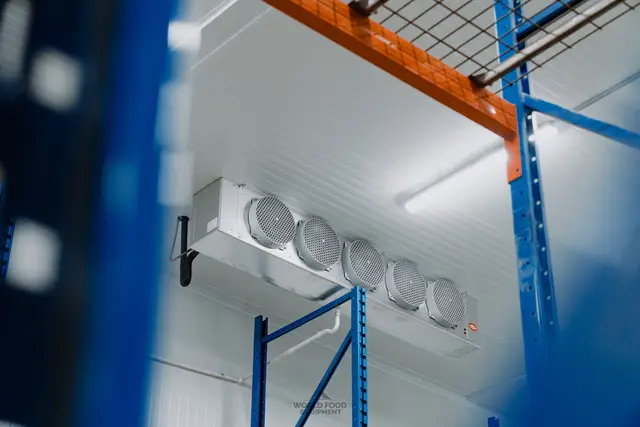
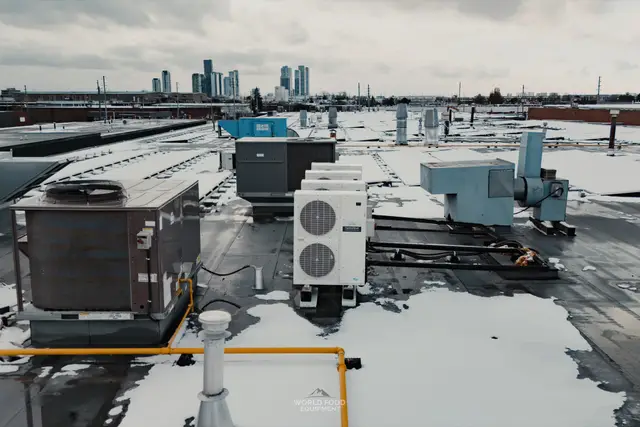
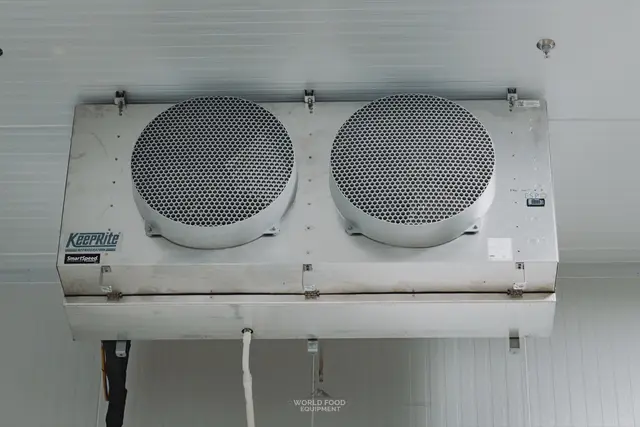
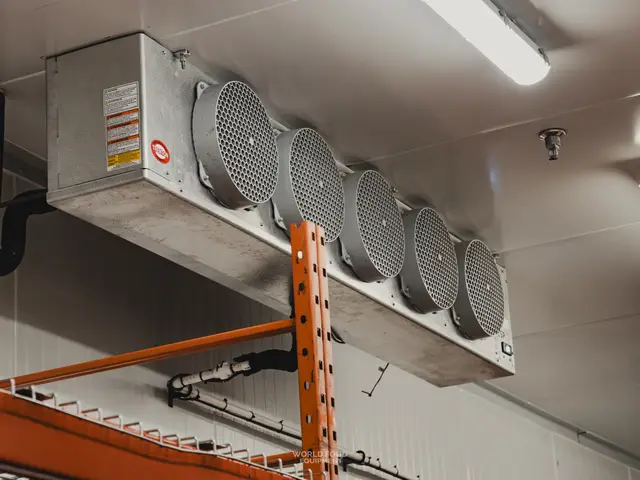
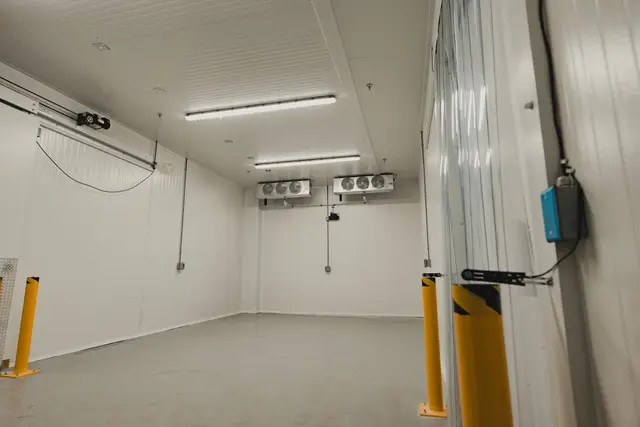
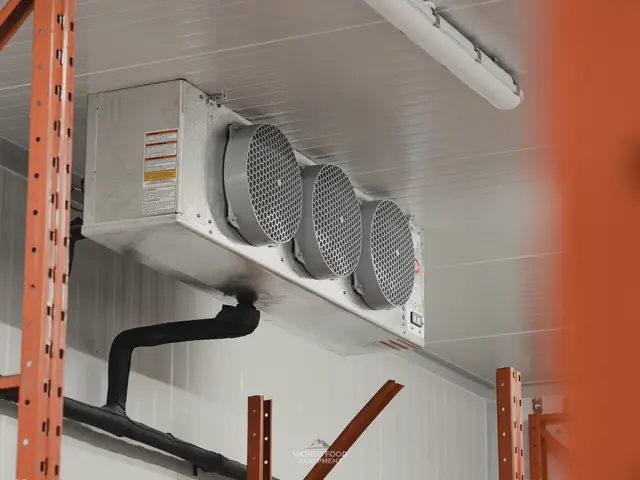
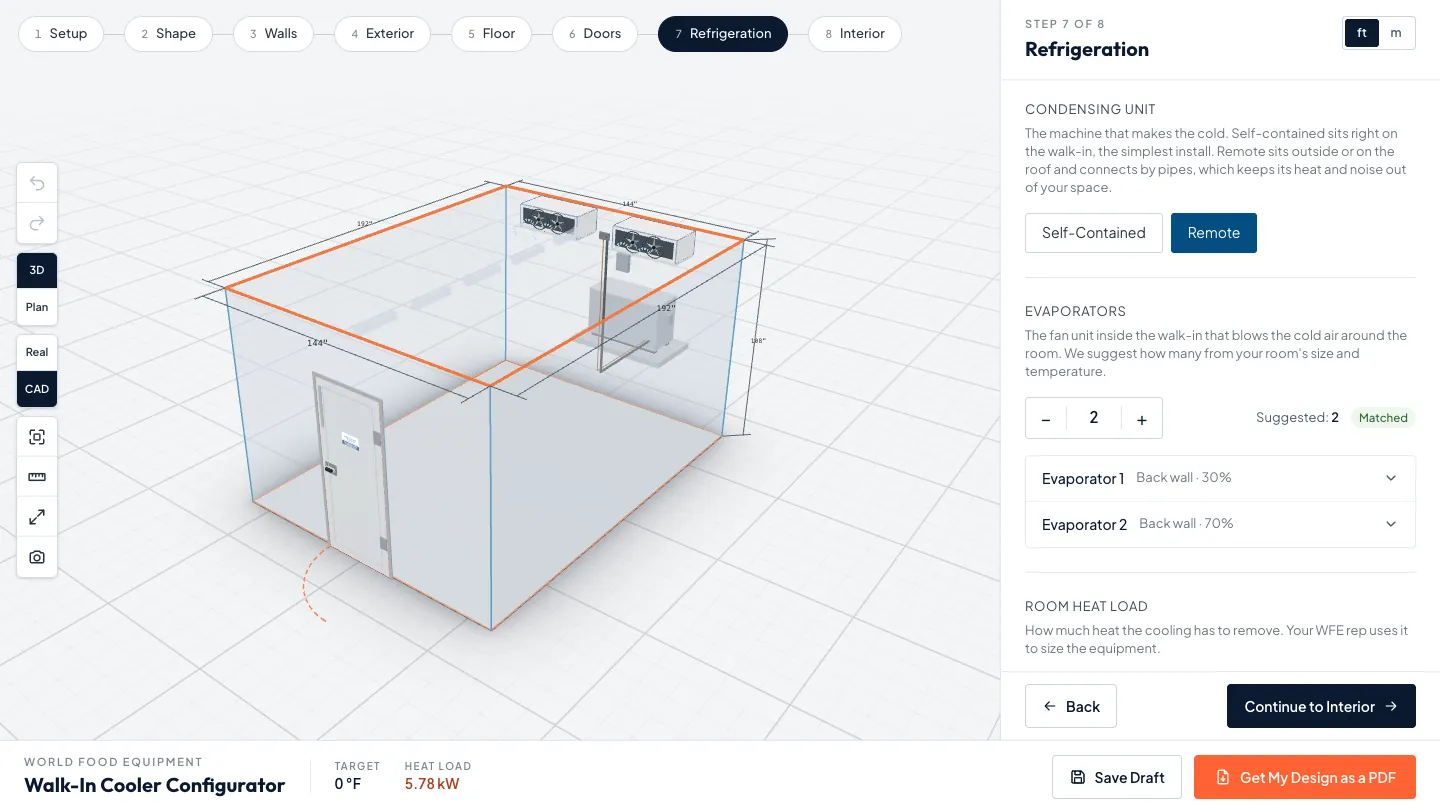
The Refrigeration step asks where the condensing unit goes and how many evaporators the room needs. A self-contained unit sits on the walk-in, while a remote unit sits outside or on the roof and connects by refrigerant lines, keeping its heat and noise out of your space. The tool works out the room’s heat load in kW and BTU/hr and suggests an evaporator count from it.
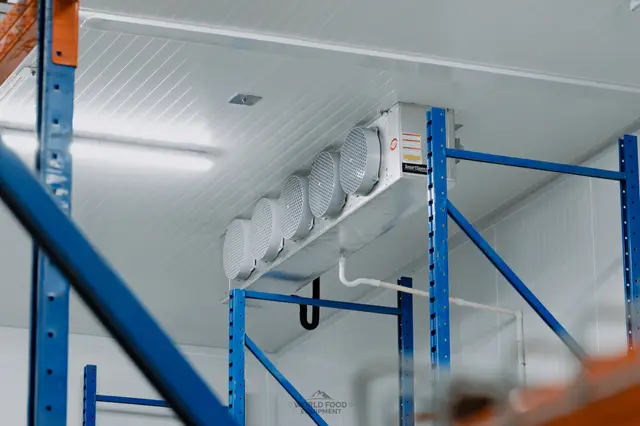
- Evaporators: add up to eight and place each one on a wall. In a combo, each side gets its own.
- Site conditions: outdoor air defaults to 35°C and 60% humidity, and you can change both for a hot kitchen or an outdoor box.
- An estimate, not engineering: the tool says so on screen, and your WFE rep uses the number to size the equipment.
- Regulated too: Canada regulates walk-in refrigeration as well. Cooler condensing systems made from January 1, 2020 must comply, and freezer systems and unit coolers from July 10, 2020.
Our self-contained vs remote refrigeration guide covers which one fits your building.
7. Racking and shelving
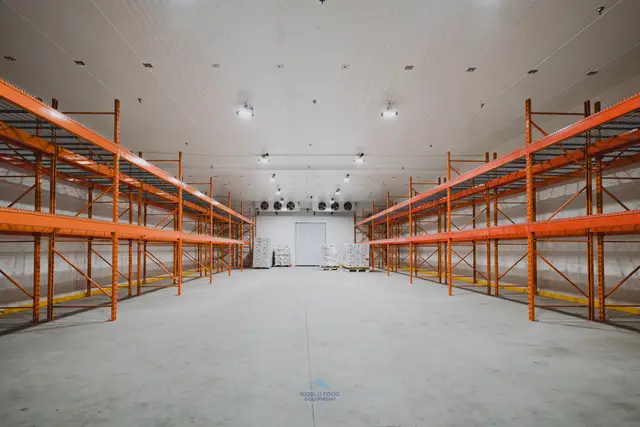
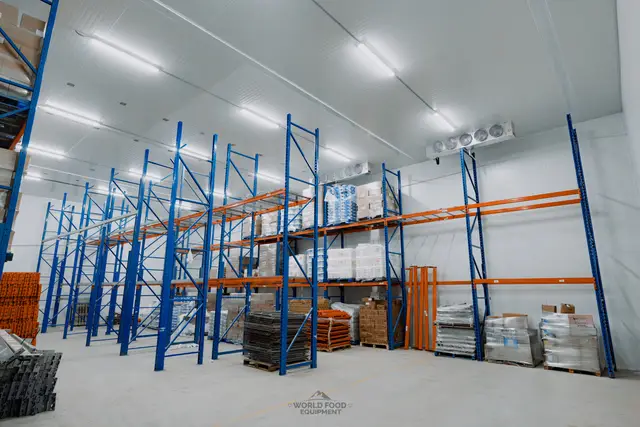
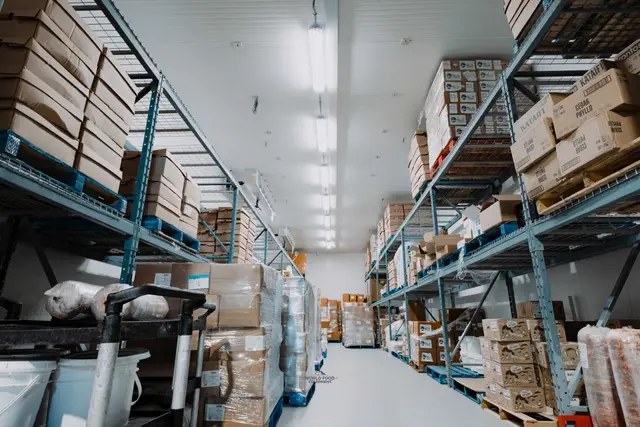
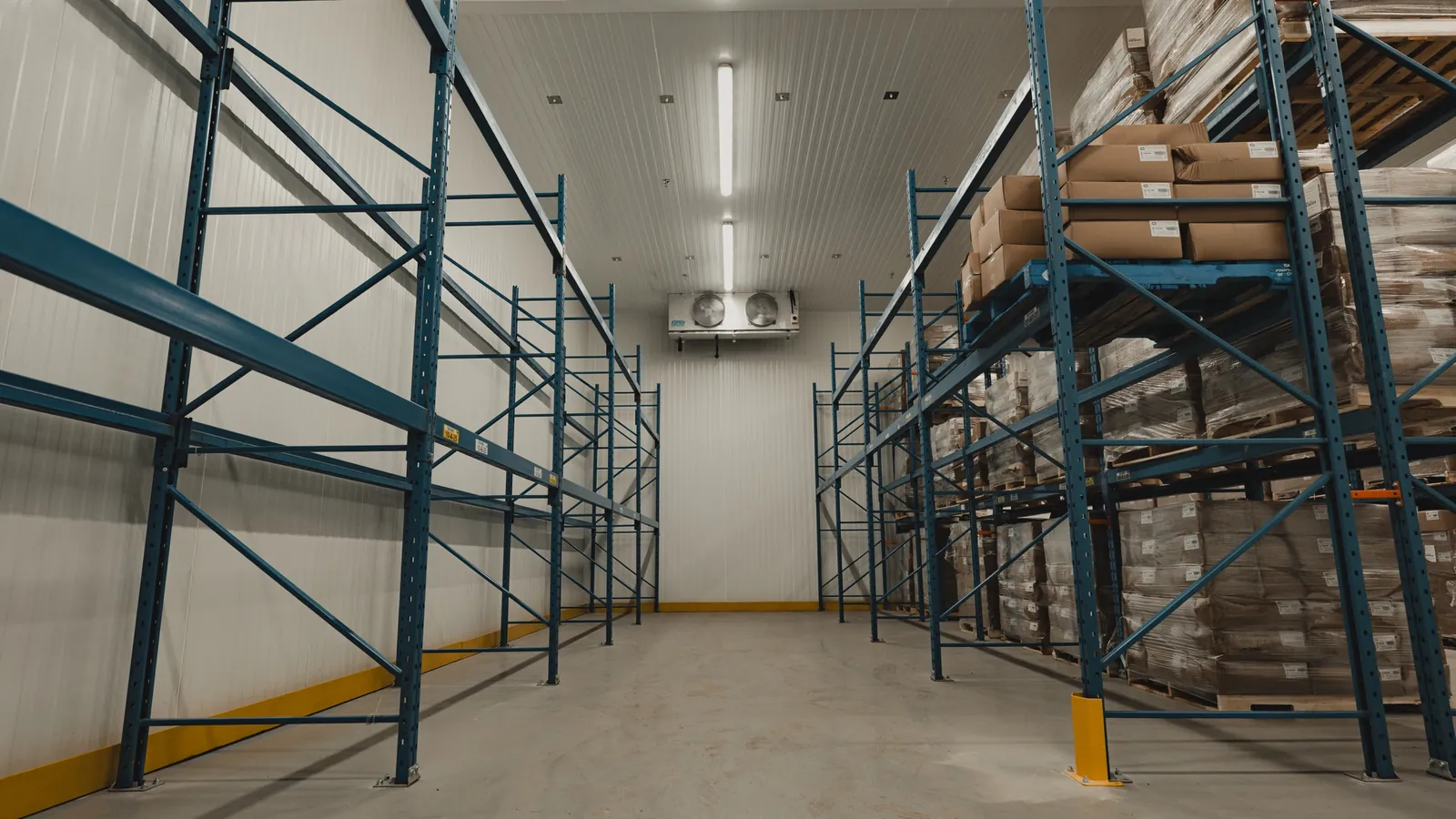
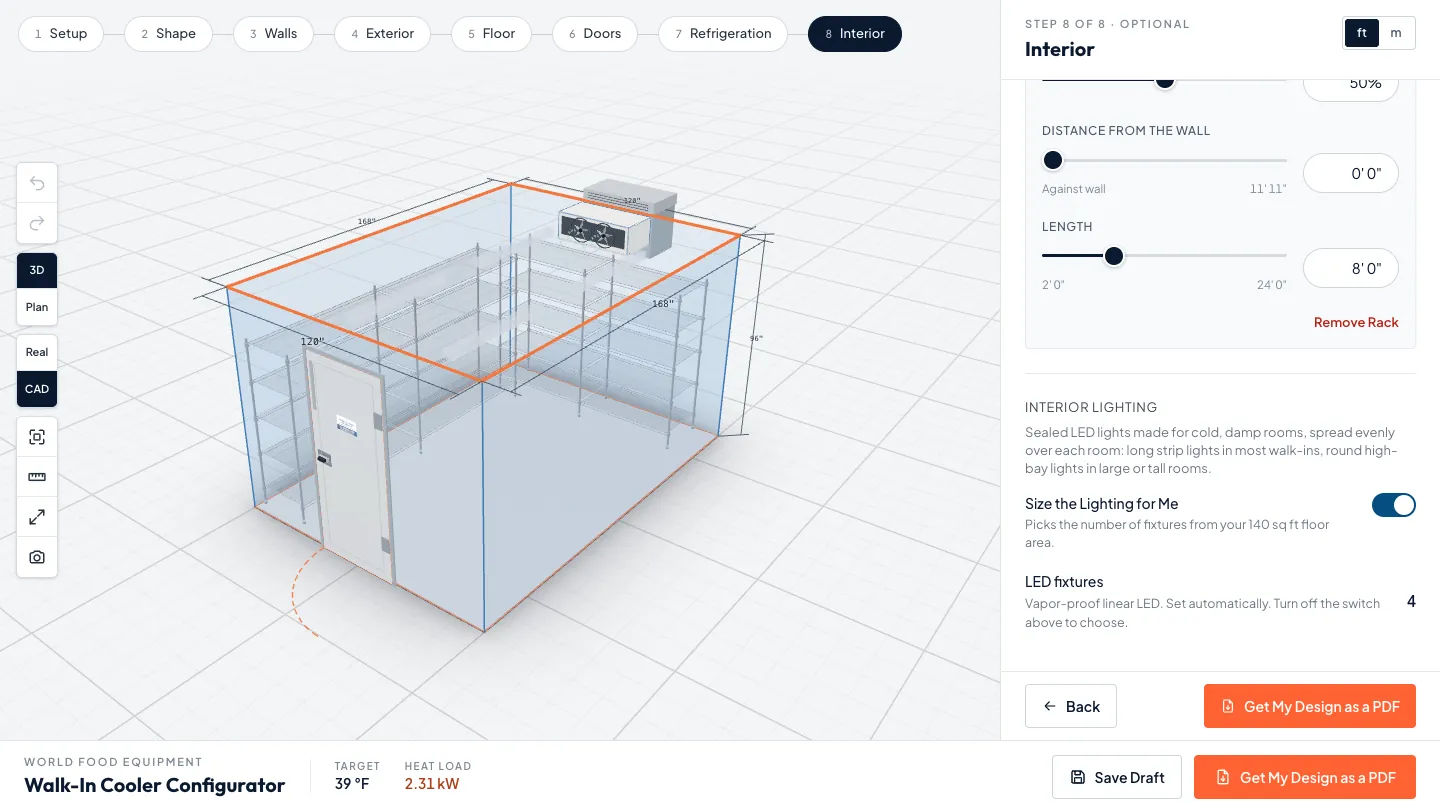
Racks go on the Interior step: up to six, each one restaurant shelving or pallet racking, set along a wall with sliders for position, length and distance from the wall. Pallet racking greys out on any wall with less than about 10 ft in front of it, which is room for a 42 inch deep rack plus a pallet jack aisle. Racks do not change the tool’s heat-load estimate, so add them last.
- Restaurant shelving: shelving units for product loaded by hand, the usual choice in kitchens, florists and bakeries.
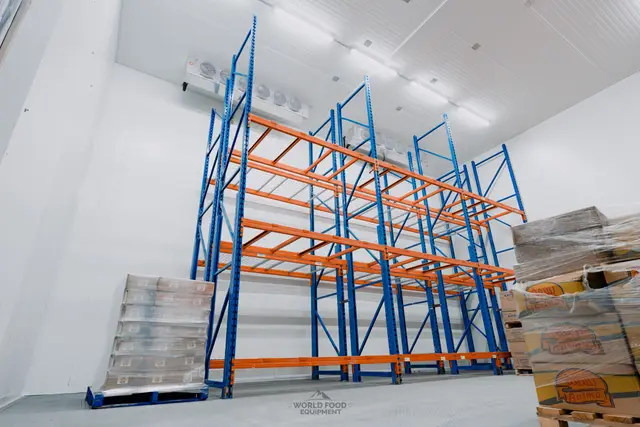
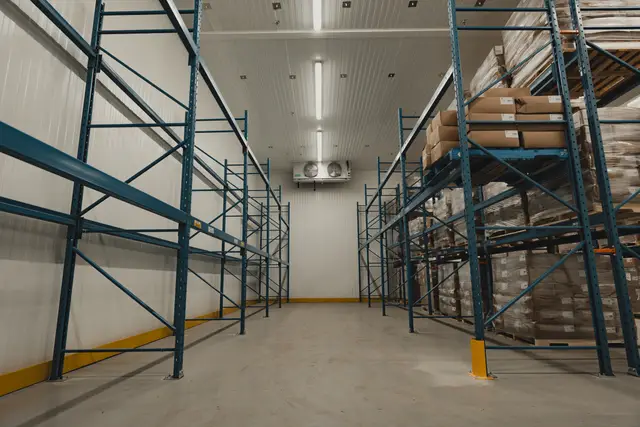
- Pallet racking: braced upright frames with step beams, in orange, red or blue, for product that arrives on pallets.
- Ontario racking review: in an Ontario factory, installing a new rack generally needs a pre-start health and safety review unless an exemption applies.
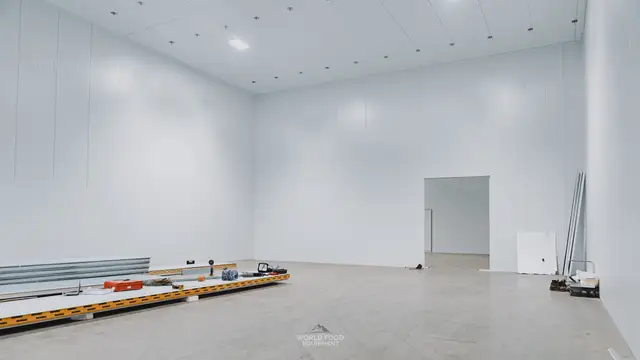
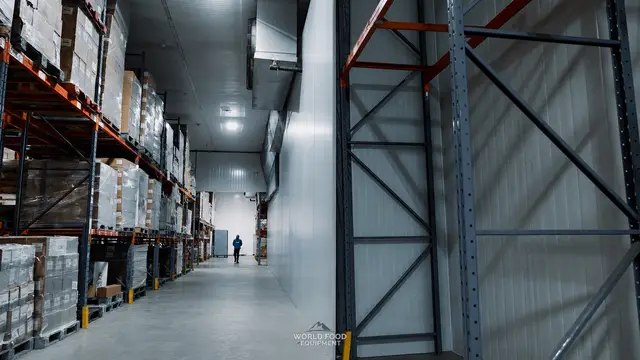
Racked rooms change the floor (a large freezer on grade usually needs heat under the slab), the height and the doors. Our industrial walk-in freezer guide covers those builds, and larger rooms go through our custom cold storage process.
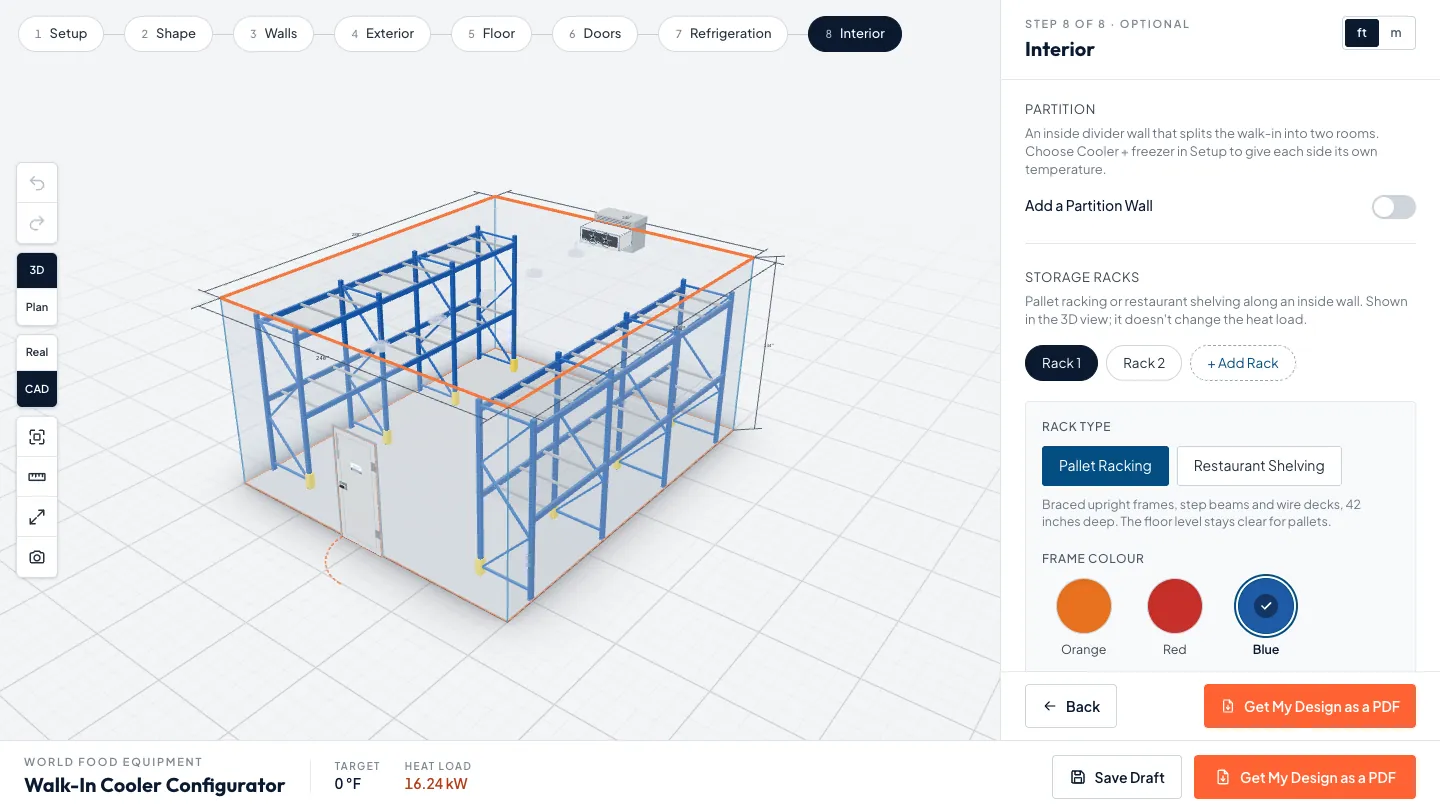
8. Lights and temperature
The Interior step sizes the LED lighting for you from the floor area, using sealed linear fixtures in most walk-ins and round high-bay fixtures in large or tall rooms. Turn the automatic sizing off to set from 0 to 12 fixtures yourself. The target temperature follows decision 2 and shows at the bottom of the screen: 4°C for a cooler, minus 18°C for a freezer, and both for a combo.
- Light efficiency: the US federal walk-in rule requires lights of at least 40 lumens per watt, or a control that turns them off within 15 minutes of the room being empty.
- Set point: if your product needs a different temperature, say so when the rep calls. The spec sheet lists the target so it is on record.
Our walk-in cooler and freezer temperature guide covers Ontario’s food-premises rule and how to check a box is holding.
What did people design in week one?
The configurator went live on October 14, 2026. In its first five days, three of the designs sent to us showed how wide the range is:
- Indoor cooler: 16 × 20 ft and 15.5 ft tall, with one sliding door and four LED fixtures.
- Outdoor cooler: 16 × 40 ft and 14 ft tall, with a swing door, a powered vertical lift door and two bollards.
- Outdoor freezer: 12 × 12 ft and 8 ft tall, with one swing door.
Two of the three were outdoor builds, so set indoor or outdoor before anything else.
What happens after you send your walk-in design?
When the design is done, ask for the PDF and fill in the short form. Only your name and email are required; phone and city are optional. Your spec sheet downloads as soon as the form goes through, and a WFE rep calls within one business day to confirm site conditions, finalize the design and give you pricing.
- The spec sheet: a 3D view, a plan view and a table of every choice: dimensions, type, placement, target temperature, doors, refrigeration, panels, floor, lighting, racks and the estimated heat load.
- Not a quote: the sheet is a design draft. Final specifications and pricing depend on the site, the electrical and install access.
- Your design travels with it: the rep sees the same design you built, so the call starts from your plan.
- Prefer to talk first: call (289) 813-5293.
Ready to try it? Start a walk-in design in the configurator. It takes a few minutes, and nothing is sent until you ask for the PDF.
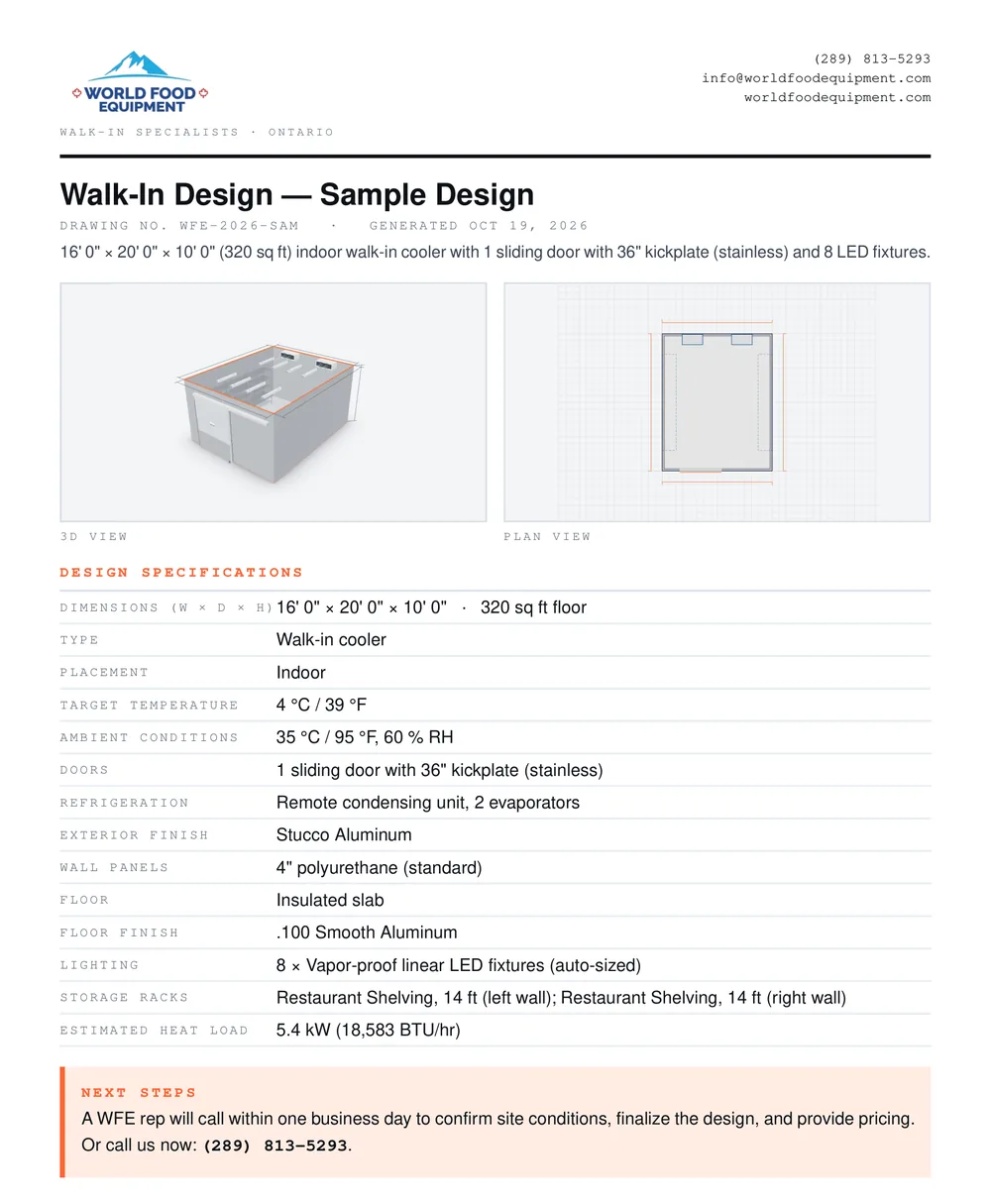
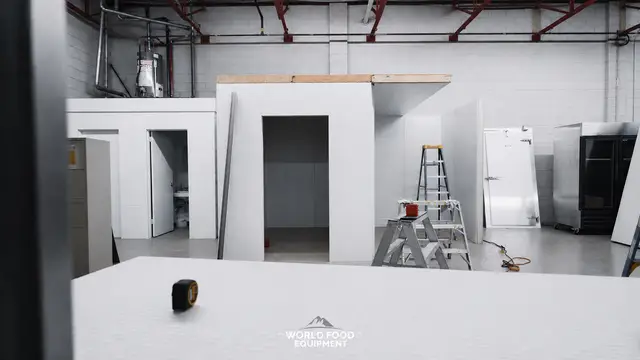
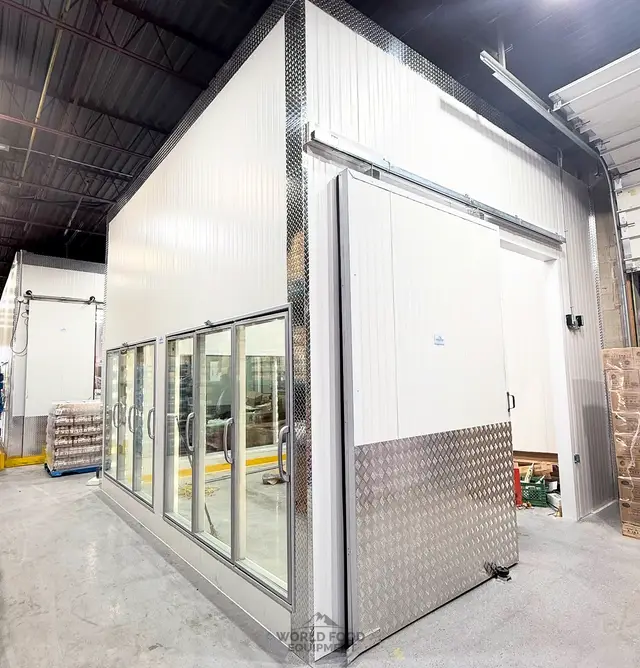
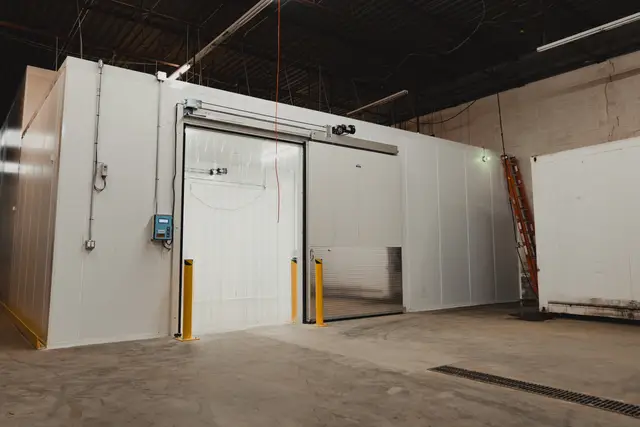
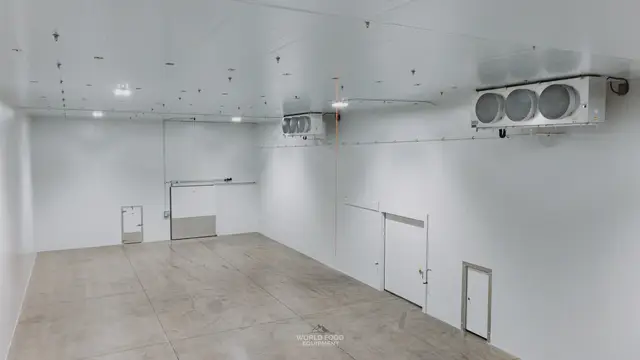
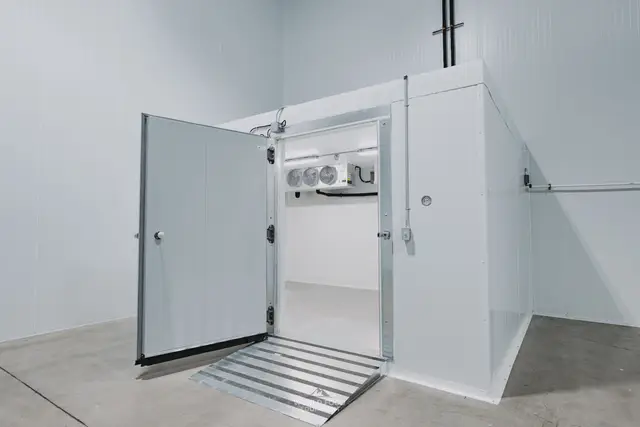
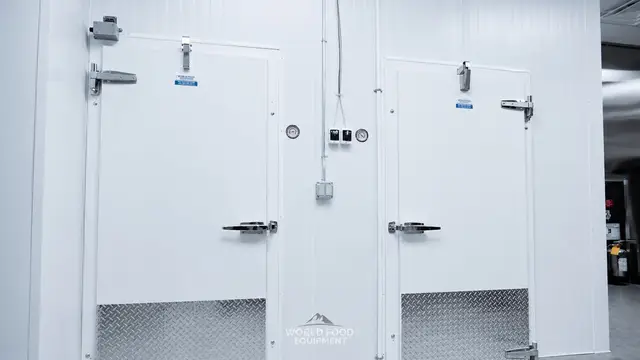
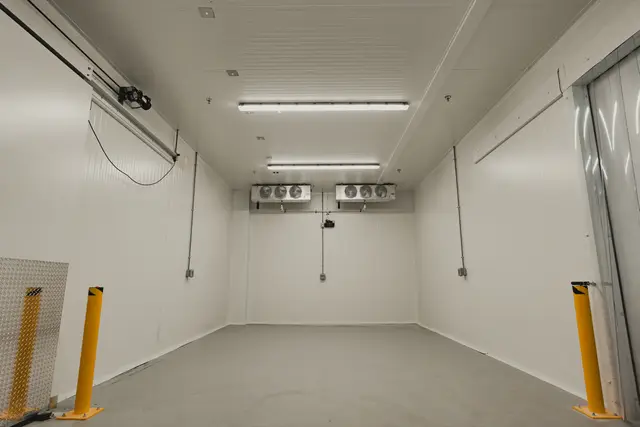
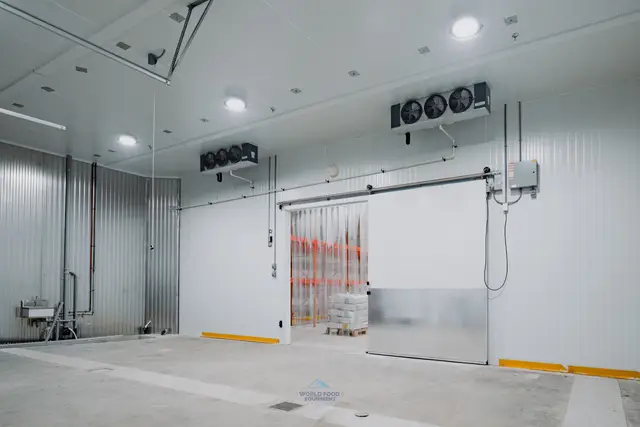
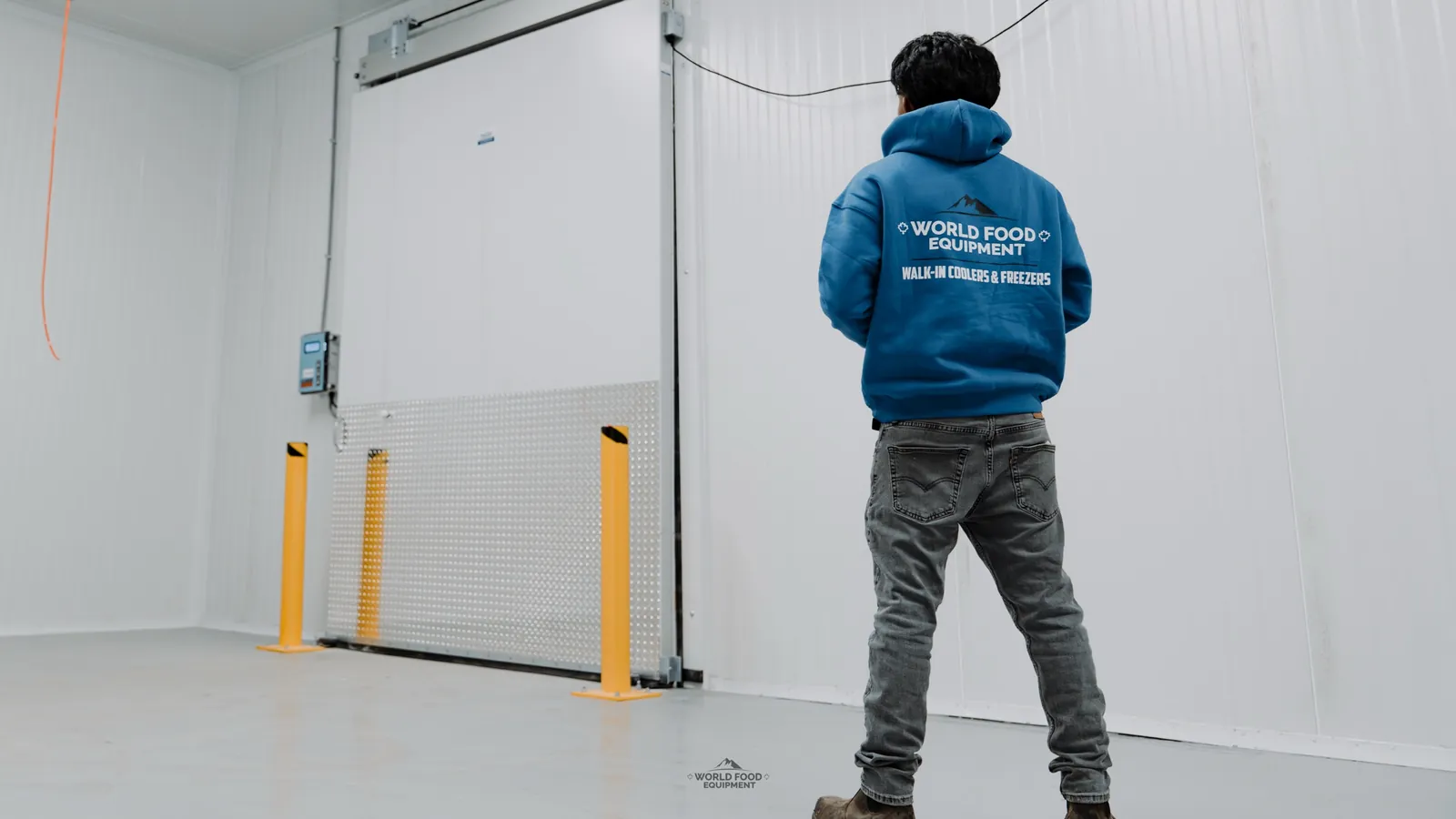
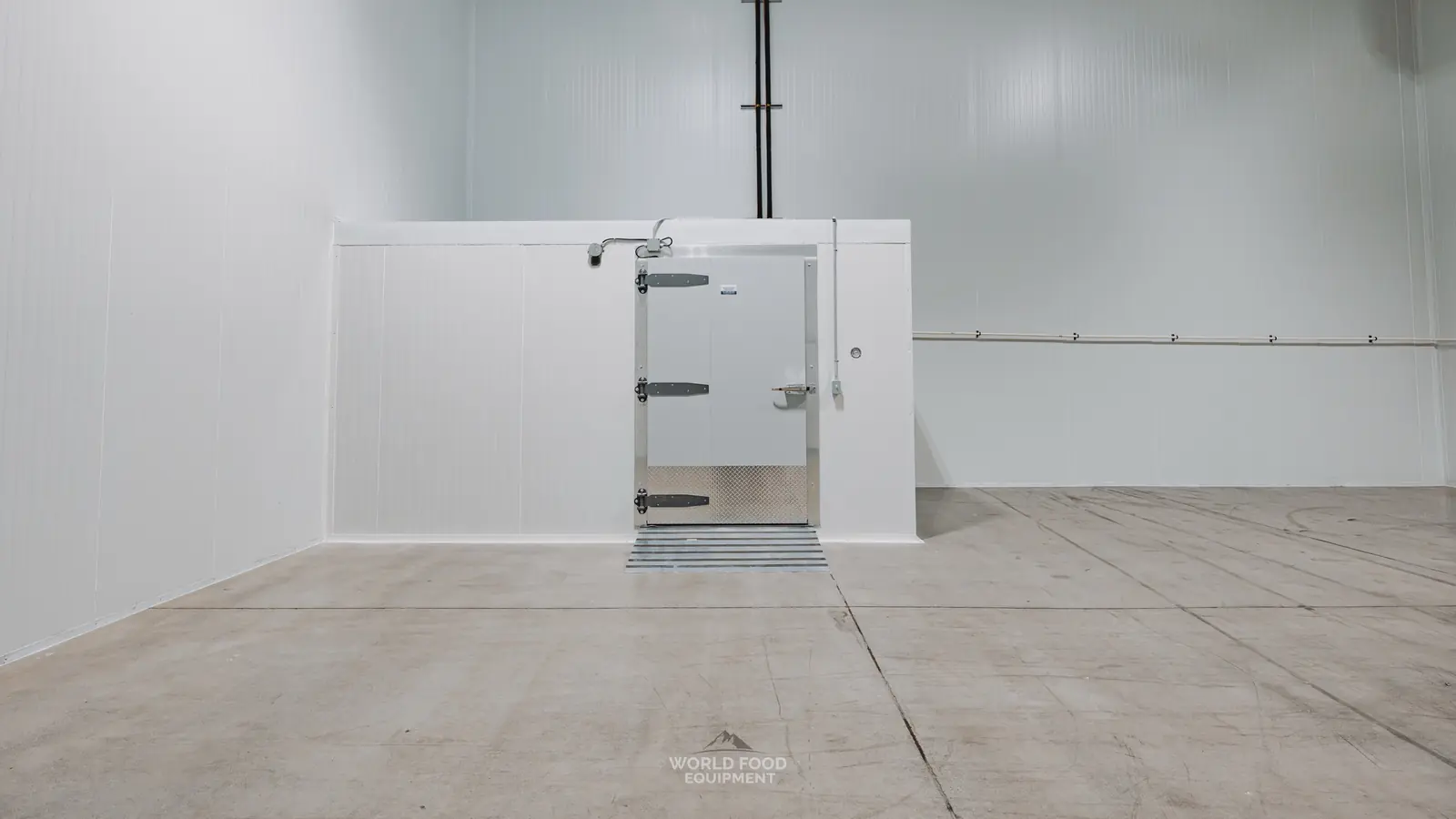
We have supplied and installed 2,000+ walk-ins across Ontario. The photo below shows a finished box with a swing door, cam-lift hinges and a threshold ramp, built inside a larger cold room.
Frequently asked questions
How do I get pricing for my walk-in design?
Send the design from the configurator. A WFE rep calls within one business day to confirm site conditions, finalize the design and give you pricing. The tool itself does not price the walk-in.
Can I send my walk-in design to a partner before it goes to WFE?
Yes. Save Draft gives you a link that opens the exact design on any device, so a partner, a landlord or a kitchen designer can see what you planned. Saving a draft sends nothing to WFE; your design reaches us only when you fill in the form.
Which panel thickness should I pick in the configurator?
The tool notes that 4 inch panels suit most coolers and freezers, and thicker panels hold the cold better and lower the heat load. The Walls step shows the rated R-value for each thickness: R-36 for 4 inch, R-45 for 5 inch and R-54 for 6 inch. Your WFE rep confirms the final panel spec at quote.
Does the configurator work on a phone?
Yes. On a phone the 3D view sits at the top of the screen with the options below, and you can lower the options to see the whole walk-in. Save, the PDF and the next step stay in a bar at the bottom.
What do I need to send my design?
Your name and email. Phone and city are optional, but a phone number gets you the fastest callback. The spec sheet PDF downloads as soon as the form goes through.
Can the configurator plan an outdoor walk-in?
Yes. Choose Outdoor Walk-In on the Setup step, and change the outdoor air temperature and humidity under Site conditions on the Refrigeration step. A WFE rep confirms the site conditions on the call.
Plan Your Build
Size your walk-in in the configurator.
Set dimensions, doors, and refrigeration in 3D, then download the spec sheet to share.
Read Next
Industrial Walk-In Freezers: What to Plan Before You Build
What changes when a walk-in freezer gets big enough for pallets and forklifts: the slab, the clear height, the doors, the refrigeration plant, and the Ontario rules that start to apply.
Walk-In Cooler & Freezer Doors: Types, Sizes, Options
Swing, sliding, pallet and roll-up doors for walk-in coolers and freezers: which one fits your traffic, the sizes we build to, what a freezer door adds, and the Canadian rule every walk-in door has to meet.
Walk-In Cooler Not Cooling? What to Check First
A warm walk-in gives you a short window. What to do with the product, the checks an operator can make safely in ten minutes, what each symptom points to, and where Ontario law hands the job to a licensed mechanic.
Walk-In Coolers — Custom Builds
See the service page for sizing, anatomy, and what's included in a WFE install.